Age between two dates
Choose a birth date and an end date. You get calendar-correct years, months and days, plus lifetime totals in months, weeks, days, hours and seconds, and the countdown to the next birthday.
Your time, clearly explained
Age Calculator turns a date of birth into something you can actually read: exact years, months and days, lifetime totals, the age gap between two people, and a reminder that arrives on the morning of the day itself. Everything is stored on your phone.
A small taste of what the app does.
This preview runs entirely in your browser. Nothing you type here is sent anywhere or saved.
Six tools, one app
Each tool answers one question well. Open the app, pick the tool, get the number.
Choose a birth date and an end date. You get calendar-correct years, months and days, plus lifetime totals in months, weeks, days, hours and seconds, and the countdown to the next birthday.
Take a selfie or pick a photo and get an estimated age range. The analysis runs on your device, the photo is not uploaded or saved, and it is never attached when you share a result.
Enter two birth dates, optionally with names, and see exactly how far apart two people are in years, months, days and total weeks — and which of the two is older.
Check whether any year is a leap year, see why the rule applies, and find the nearest leap years before and after it. Useful for 29 February birthdays.
Move a date forward or back by days, weeks, months or years. Handy for due dates, deadlines, notice periods, warranty ends and document expiry.
Save birthdays, anniversaries and other dates with a name, relationship and note. Pick your reminder time and whether it arrives as a ringtone, a beep or a vibration.
Inside the app
Large numbers, plain labels, and a light theme that follows your system setting.
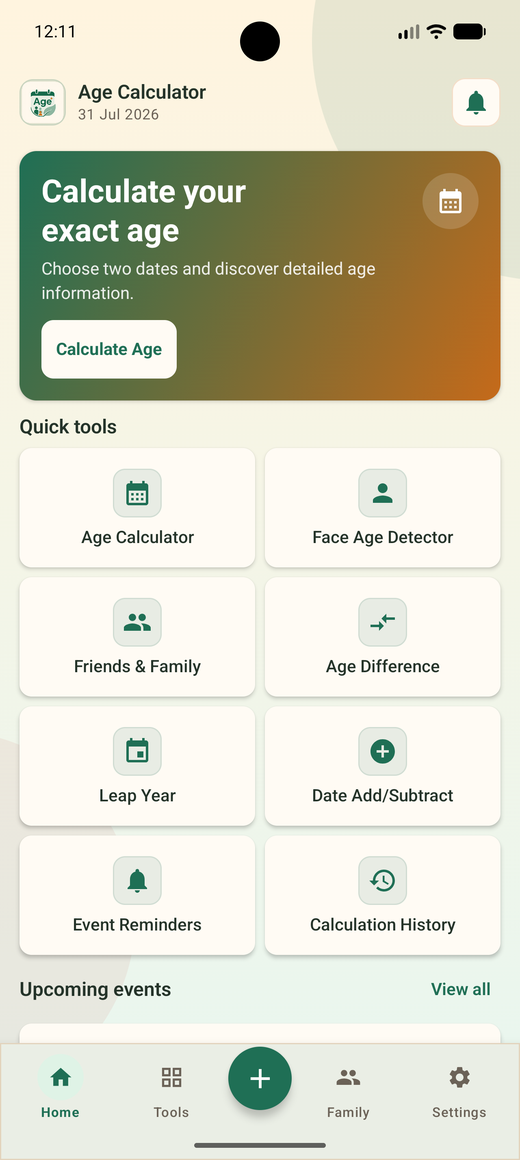
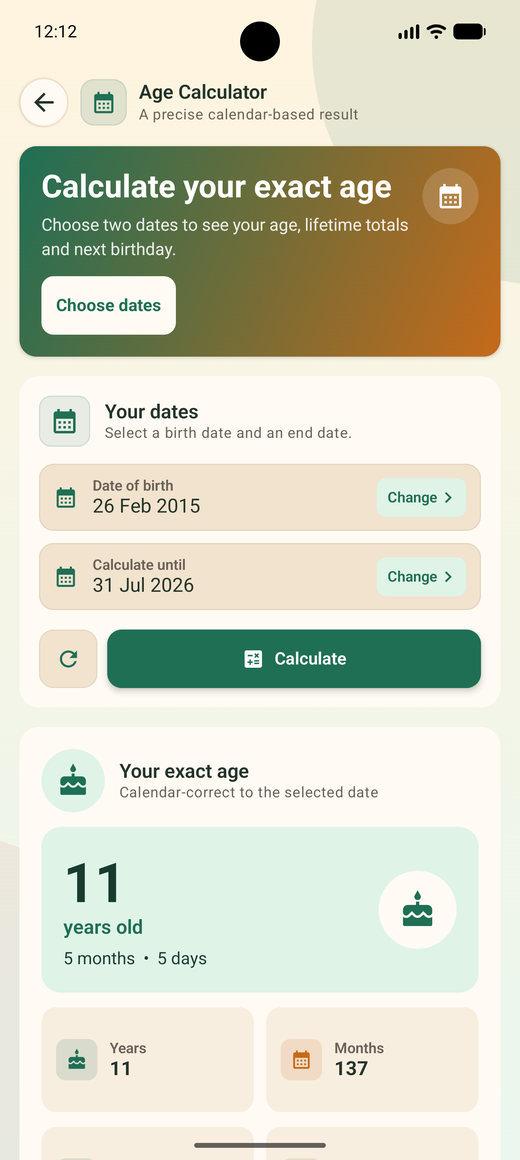
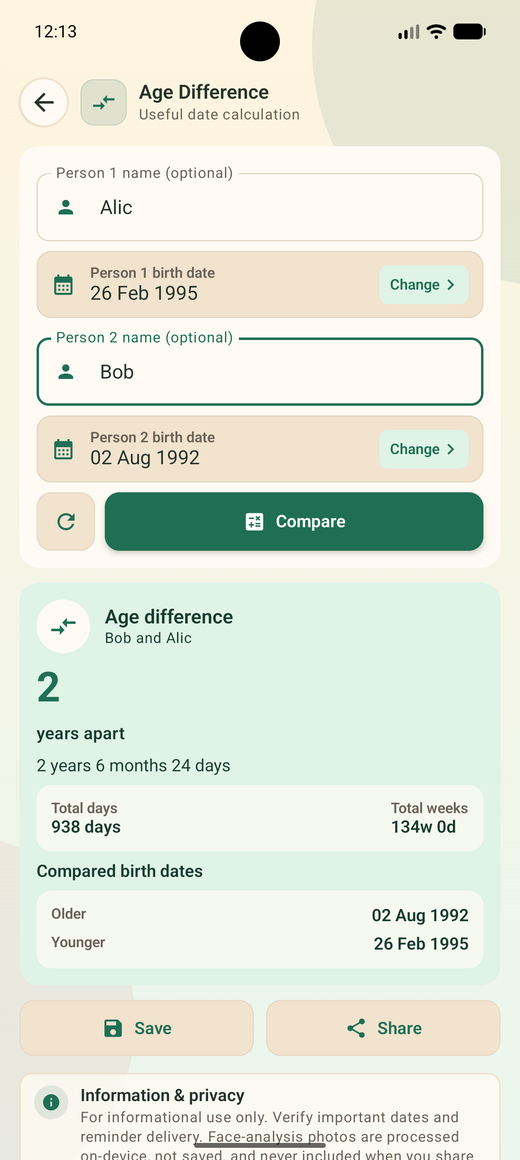
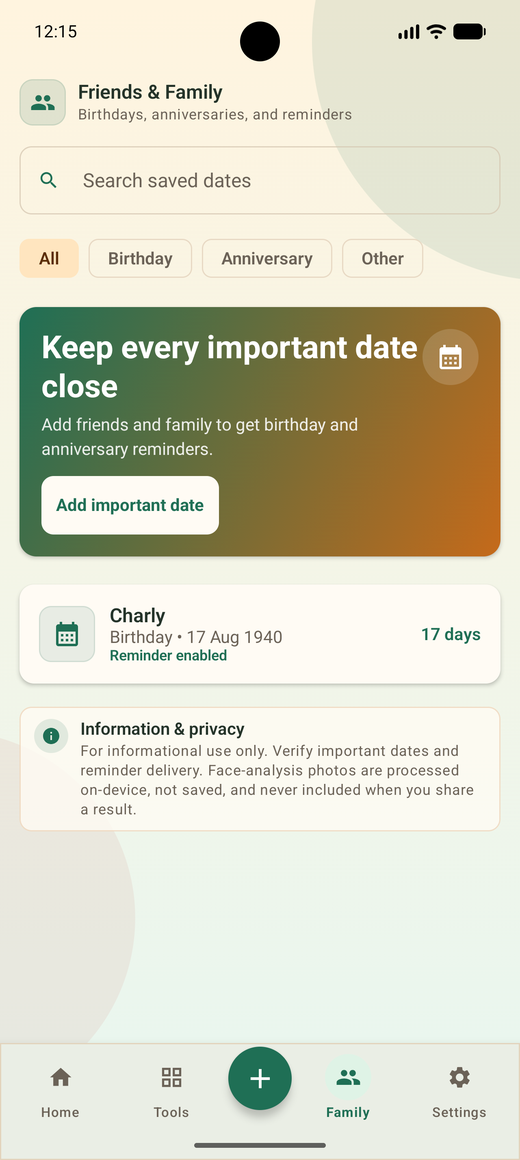
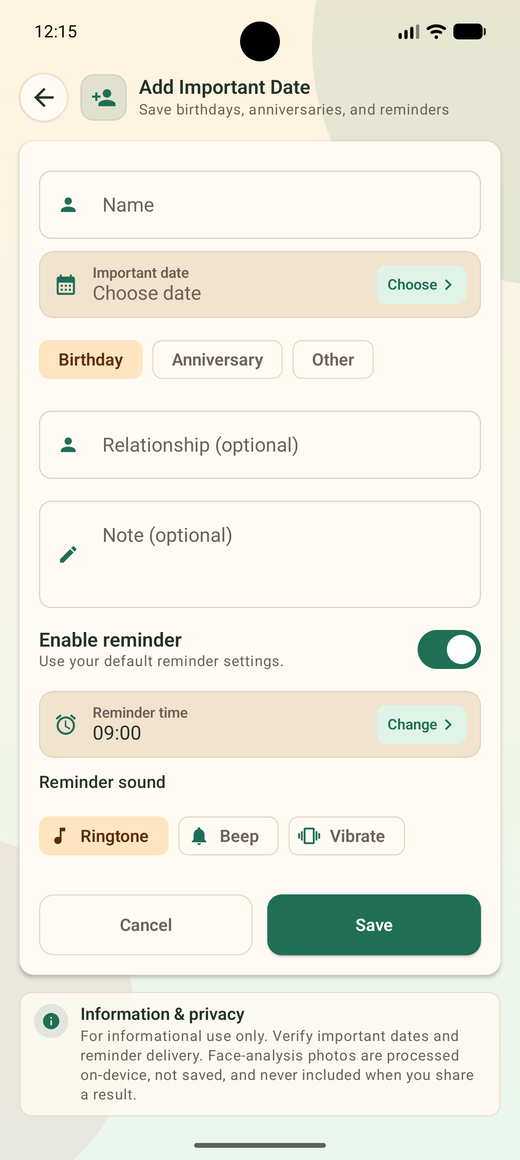
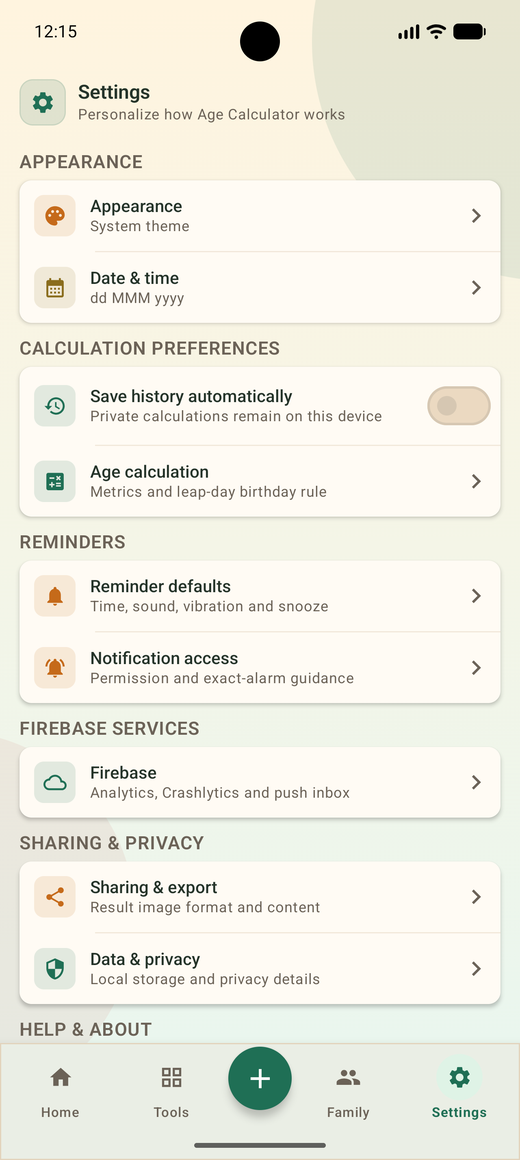
Swipe to see more screens.
Privacy by default
Age Calculator does not ask you to create an account. Saved birthdays, notes, reminder settings and calculation history are written to local storage on your device. Face-analysis photos are processed on device, are not stored by the app, and are never included in a shared result image.
No sign-up
No email, no password, no profile.
On-device storage
Delete the app and the data goes with it.
Photos not kept
Analysed, then discarded.
Getting started
Download from Google Play. A short introduction explains the tools, and you can skip it.
Tap Age Calculator, Age Difference, Leap Year, Date Add/Subtract or Face Age Detector from the home grid.
Keep a result in history, save a person to Friends & Family with a reminder, or share a clean result image.
Everyday uses
"About thirty" is fine at a party. Forms, schools, clinics and offices need the real number.
Passport, visa, admission and job forms that ask for age completed on a specific date.
Check a child's age as of an admission cut-off date, not just today.
Track age in weeks and months for vaccination schedules and growth charts.
Notice periods, probation ends, warranty expiry and licence renewal dates.
A reminder the morning of, so the message goes out on the right day.
Keep every relative's date in one private list instead of scattered notes.
Common questions
Age Calculator is free, works offline and keeps your dates on your phone.
Download on Google Playcom.appsbean.agecalculator